
Introduction
Gaming enthusiasts know that the right hardware can make or break the gaming experience. For PS5 users, having the best HDMI cord ensures that both visuals and audio are transmitted in the highest quality possible. This guide will walk you through what you need to know about HDMI cords for PS5, helping you select the right one and troubleshoot common issues.
Understanding HDMI Technology
Before you choose an HDMI cord for your PS5, it’s essential to grasp the basics of HDMI technology. HDMI, or High-Definition Multimedia Interface, is the current standard for digital transmission of video and audio. The PS5 benefits significantly from using HDMI 2.1.
What is HDMI and Why It Matters
HDMI is integral to your gaming setup, acting as a singular path for transferring high-quality signals. This is crucial for 4K and 8K resolutions, which are supported by PS5 for a lifelike gaming experience.
Evolution to HDMI 2.1
HDMI 2.1 addresses the demands for faster refresh rates and higher resolutions. This version supports 4K at 120Hz and 8K at 60Hz, which is vital for future-proofing your setup. Features like Dynamic HDR, Variable Refresh Rate (VRR), and enhanced Audio Return Channel (eARC) offer smoother gameplay and better sound quality.
Types of HDMI Cords Compatible with PS5
Deciding on the right HDMI cord means understanding the differences between options. For PS5, the choice often narrows down to High-Speed HDMI and Ultra High-Speed HDMI.
High-Speed HDMI vs. Ultra High-Speed HDMI
High-Speed HDMI cords can handle HD and 4K signals up to 60Hz. However, to unleash the PS5’s full potential, Ultra High-Speed HDMI cords are recommended. These support all the features of HDMI 2.1 and are designed for higher bandwidth, translating to crisper images and smoother frame rates.
Which HDMI Cord is Right for You?
Your decision will depend on your TV’s specifications and personal preferences. Those with 4K displays and a passion for high-frame-rate gaming will find Ultra High-Speed HDMI cords indispensable. These cords ensure you benefit from the latest features such as Auto Low Latency Mode (ALLM) and VRR.
Choosing the Best HDMI Cord for Your PS5 Setup
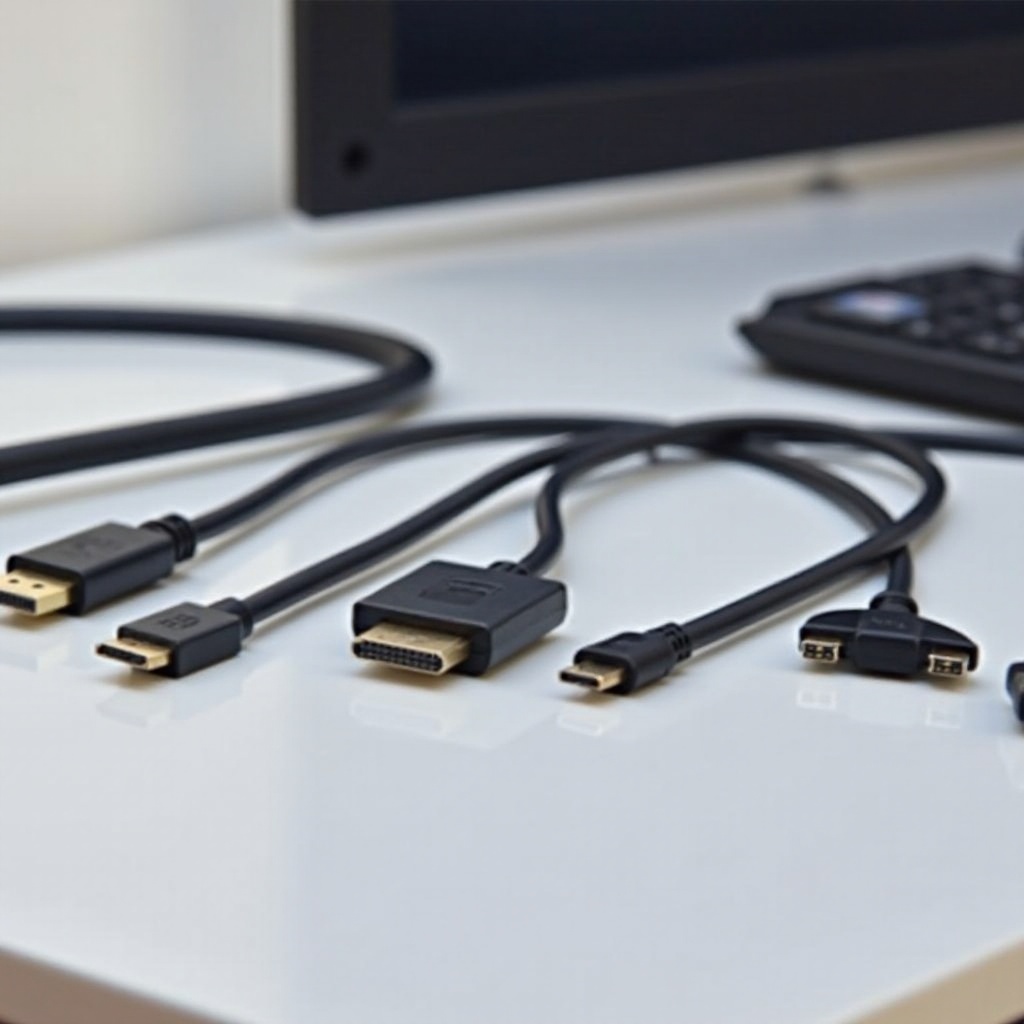
A good HDMI cord is a key component of your gaming setup, affecting both video and audio quality. Here’s what to look for in a cord.
Key Features to Look For
- Resolution Support: Ensure support for at least 4K at 120Hz for the best picture.
- Cable Length: Find a balance between convenience and performance; excessively long cords may degrade quality.
- Durability: Cords with braided exteriors offer better protection and longevity.
- Brand Reputation: Choose cables from trusted, reviewed brands.
Top Recommended HDMI Cords for 2024
- Cable Matters Ultra High-Speed HDMI Cable: Known for supporting all HDMI 2.1 features efficiently.
- Zeskit Maya 8K Ultra HD High-Speed HDMI Cable: Offers excellent build quality and performance.
- Amazon Basics Premium HDMI Cable: Cost-effective choice that reliably supports standard setups.
Setting Up Your HDMI Cord with PS5
Once you’ve selected your HDMI cord, proper installation is critical to achieving optimal performance. Follow these steps to set it up correctly:
Step-by-Step Installation Guide
- Connect the HDMI cord to your PS5’s HDMI out port.
- Insert the other end into your TV’s HDMI input.
- Turn on both your PS5 and TV.
- Go to PS5 ‘Settings’ > ‘Screen and Video’ and adjust the resolution settings.
Common Setup Mistakes to Avoid
- Do not use outdated HDMI cords if you’re utilizing a 4K or better display.
- Ensure that all connections are secure to prevent signal loss.
- Set your TV to the correct input channel for the HDMI connection.
Troubleshooting Common HDMI Issues on PS5
Even with the right setup, issues can occur. Here’s how to tackle some of the most common HDMI problems.
Identifying HDMI Connection Problems
HDMI issues often manifest as no signal, intermittent audio, or flickering graphics. Ensuring your setup is correctly configured can alleviate these problems.
Solutions to Common Issues
- Replace the HDMI Cord: Sometimes a faulty cord is the culprit behind poor signal transmission.
- Reset PS5 Display Settings: Use safe mode to reset display settings if there are persistent issues.
- Test Different Ports: Trying a different port on your TV can sometimes resolve the problem.
Conclusion
Investing in a good HDMI cord can dramatically enhance your PS5 gaming experience by providing high-quality visuals and sound. Through understanding HDMI technology and selecting the right cord while knowing how to troubleshoot, you are set to enjoy your PS5 to its full potential.
Frequently Asked Questions
What is the best HDMI cord length for PS5?
A 6-foot cord is typically sufficient, but longer cords can be used if they are high-quality to prevent signal loss.
Can I use any HDMI cable for PS5?
While any HDMI cord can connect a PS5, using HDMI 2.1 cords offers the best performance and support for gaming features.
Why is my PS5 not displaying on my TV even with a new HDMI cord?
Ensure connections are secure, check your TV’s input settings, and try different HDMI ports or cords if issues persist.