
Introduction
Setting up your Nintendo Switch is key to unlocking its vast array of gaming features. Whether you are a gaming veteran or new to the Nintendo universe, proper setup is essential for maximizing your console’s potential. This guide covers everything from unboxing to personalization, ensuring you become fully equipped for gameplay.
Unboxing Your Nintendo Switch
Unboxing your Nintendo Switch marks the start of your adventure. Ensure your package includes the console, Joy-Con controllers, dock, Joy-Con straps, HDMI cable, and power adapter.
– Items Included in the Box: Verify the presence of all components to avoid future setup issues.
– Initial Safety Checks: Review safety instructions to ensure a smooth and error-free setup.
Focus on the hardware setup next, as it lays the foundation for successful operation.
Hardware Setup
Hardware setup is vital to kickstart your Nintendo Switch journey. With all components available, commence assembly.
1. Attaching the Joy-Con Controllers:
– Slide the controllers onto the console sides until they click into place for handheld mode.
- Connecting the Switch Dock to Your TV:
-
Set the dock near your TV, connect the HDMI cable to the dock and your TV, and plug the power adapter into a socket.
-
Powering On the Console:
- Place the console in the dock and press the power button. Your screen should display on your TV.
Once the physical setup is complete, turn your attention to software configuration, which enables access to essential features.
Software Configuration
Configuring the Nintendo Switch software is crucial for accessing online features and personalizing your experience.
– Creating or Linking Your Nintendo Account:
– Follow prompts to establish or link a Nintendo account, granting access to online services.
- Performing System Updates:
-
Navigate to System Settings and select ‘System Update’ to install the latest firmware.
-
Connecting to Wi-Fi:
- Visit ‘Internet Settings’ in System Settings to connect to your home network, ensuring online capability.
Following software setup, take the time to personalize your system settings to enhance the overall user experience.
Personalizing System Settings
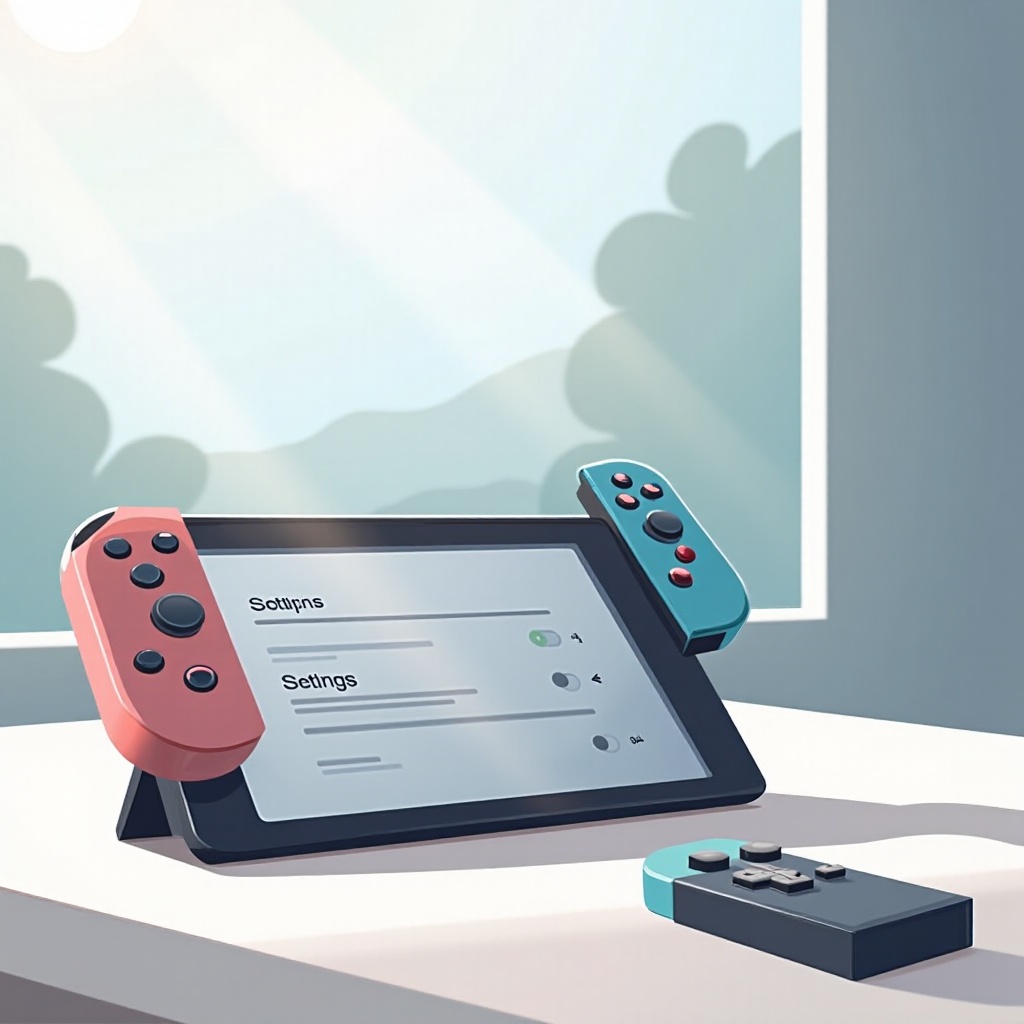
Customizing system settings allows you to tailor your Nintendo Switch for a better user experience.
– Adjusting Display and Screen Calibration:
– Modify TV resolution and tweak screen calibration under ‘TV Settings’ for optimal visuals.
- Configuring Audio Settings:
- In ‘Sound,’ adjust volume and audio output preferences for immersive gameplay.
With these settings personalized, setting up parental controls may be necessary for family-friendly environments.
Setting Up Parental Controls
Parental controls help maintain a safe gaming environment, especially for younger players.
– Accessing Parental Control Features:
– Install the Nintendo Switch Parental Controls app to remotely manage console use.
- Customizing Restrictions and Screen Time:
- Use the app to establish screen time limits and restrict specific content.
With parental controls in place, you are ready to install games and explore Nintendo Switch’s vast library.
Installing Games and Content
Games make the Nintendo Switch experience enjoyable, and learning how to install them is crucial.
– Loading Physical Game Cartridges:
– Insert game cartridges into the console’s slot for physical media.
- Exploring the Nintendo eShop:
- Navigate the eShop for digital game downloads, with demos available for trial before purchase.
As you install games, knowing how to troubleshoot common issues ensures your gaming experience remains uninterrupted.
Troubleshooting Common Issues
Being able to troubleshoot technical issues is vital to maintaining a smooth Nintendo Switch experience.
– Resolving Connectivity Problems:
– Check your Wi-Fi settings or restart your router for consistent internet connection.
- Managing Controller Sync Issues:
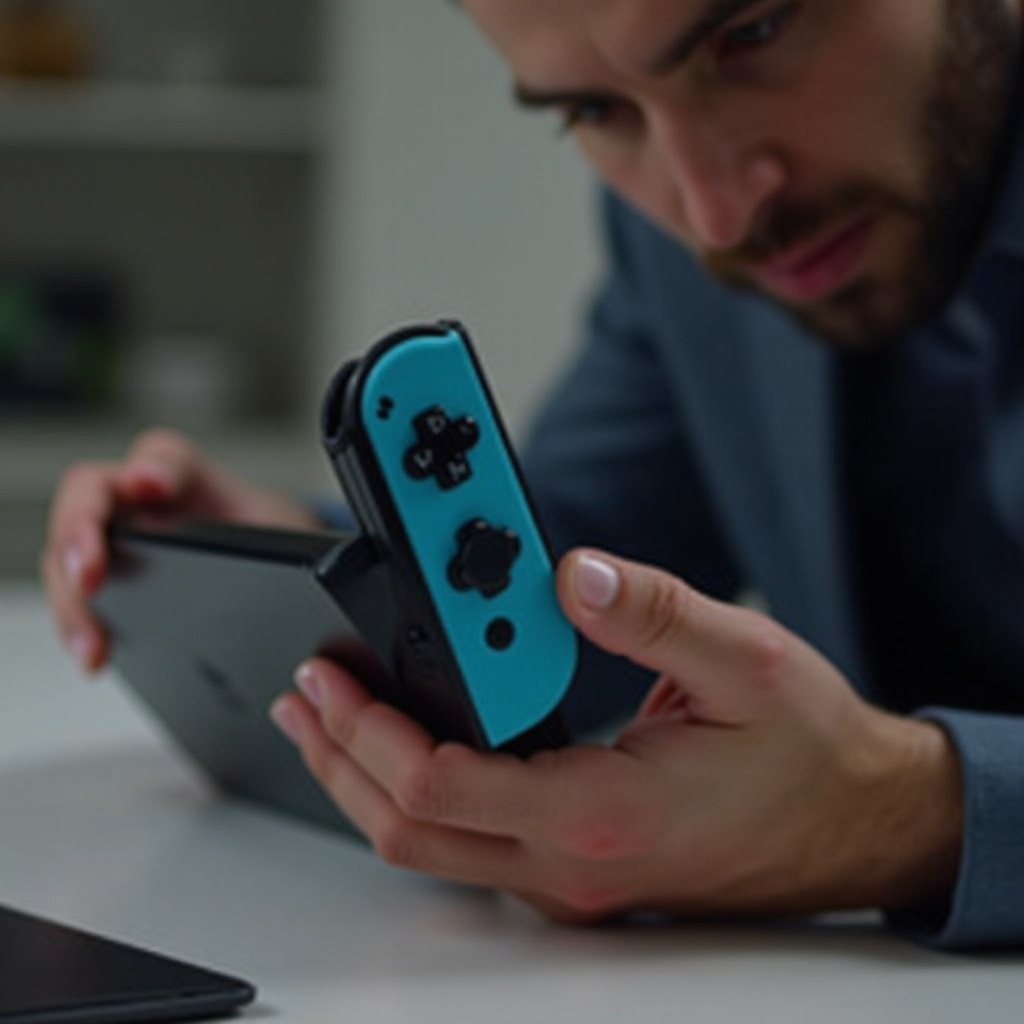
- Detach and reattach Joy-Con controllers or recalibrate via System Settings if syncing fails.
By addressing potential issues, you ensure a seamless gaming experience. You’re now ready to explore all that the Nintendo Switch offers.
Conclusion
The setup process of a Nintendo Switch is straightforward and rewarding, opening the door to diverse gaming adventures. From unboxing to troubleshooting, this guide offers all the steps needed to optimize your console for play. Dive into the expansive Nintendo realm and enjoy endless entertainment.
Frequently Asked Questions
How can I reset my Nintendo Switch?
Navigate to System Settings, select ‘System,’ and choose ‘Formatting Options.’ Follow prompts to reset your console.
Can I set up multiple accounts on one Switch?
Yes, you can create or link multiple Nintendo accounts via the User Settings menu on the console.
How do I connect my Nintendo Switch to a new Wi-Fi network?
Access System Settings, select ‘Internet,’ then ‘Internet Settings’ to join the new network and follow on-screen instructions.