
Introduction
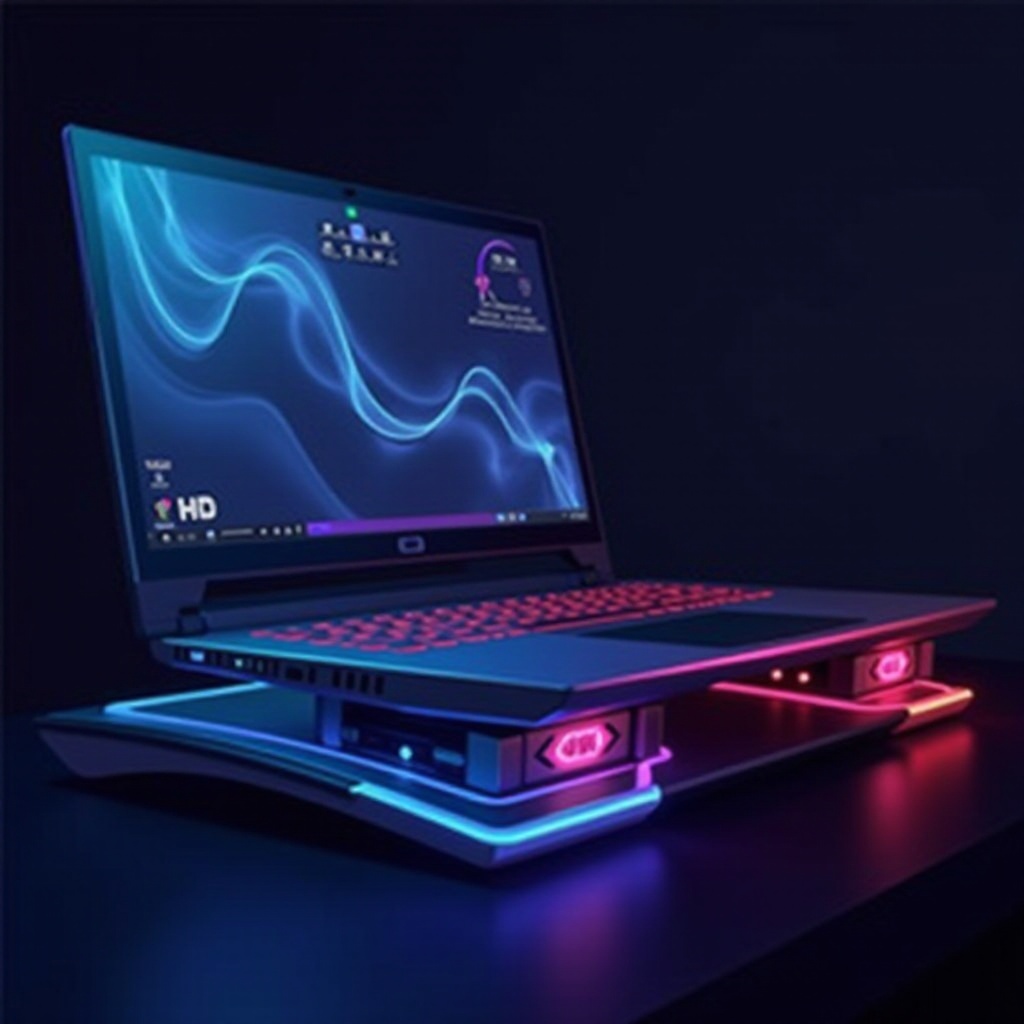
Gaming laptops are marvels of engineering packed into compact, portable designs. However, the power they possess comes at a cost—heat generation. During intense gaming sessions, this heat can become a significant issue, potentially causing performance throttling and hardware damage if not managed properly. Investing in a laptop cooler is an effective strategy to combat overheating, enhancing both performance and device longevity. Here’s a detailed look at some of the top laptop coolers available in 2024 and what features you should prioritize when choosing one.

Why Laptop Cooling Matters for Gamers
Heat buildup during gaming can lead to throttling, where the laptop’s CPU or GPU lowers its performance to prevent damage, negatively impacting gameplay. This is why effective cooling is not just a luxury but a necessity for gamers. By keeping internal temperatures down, you ensure smoother performance and significantly extend your laptop’s lifespan. This critical maintenance enhances reliability and mitigates the risk of needing costly repairs. Adopting a reliable cooling system can effortlessly elevate your gaming experience to the next level.
Features to Look for in a Gaming Laptop Cooler
To select the best cooler for your needs, focus on key performance-enhancing features:
- Cooling Performance: Opt for coolers featuring substantial airflow and high-speed fans, crucial for maintaining a safe operating temperature.
- Portability and Design: Consider ergonomic designs that feature adjustable settings, allowing for comfortable long-term use both at home and on the go.
- Noise Levels: Seek out coolers with low decibel fan ratings to maintain immersion in your games without distracting noise.
- Additional Features: USB ports and customizable RGB lighting can add both functionality and an aesthetic edge, if that aligns with your setup.
These features directly impact the efficiency of heat dissipation, setting a practical foundation for gaming laptops that otherwise can become heat traps under pressure.
Top 5 Laptop Coolers for Gaming Laptops in 2024
Next, let’s explore the standout coolers that hold their ground in 2024’s competitive market:
- Cooler Master Notepal X150
-
This cooler features an innovative cooling plate and high-speed fans, boosting airflow without compromising on design aesthetics.
-
Thermaltake Massive RGB 20
-
Its large 200mm fan guarantees exceptional cooling capability, coupled with vibrant RGB lighting for those seeking visual flair.
-
HAVIT HV-F2056
-
A slim, highly portable option with three quiet fans and additional USB ports, making it perfect for gamers on the move.
-
Klim Wind Laptop Cooler
-
Notable for its four quiet yet powerful fans and anti-slip design, this cooler provides stable, efficient heat management.
-
TopMate C5 Gaming Cooler
- Packed with five fans and adjustable settings, this cooler combines effective cooling with enticing LED functionality.
Each of these options offers distinct advantages, ensuring you’re equipped to handle varying thermal demands even in the most intense gaming scenarios.
How to Choose the Right Laptop Cooler for Your Gaming Needs
Selecting the perfect cooler requires a balance between your specific needs and preferences:
- Gaming Habits: Whether you prefer gaming at a desk or on the sofa, selecting a cooler that complements your gaming setup is key.
- Laptop Specifications: Some coolers perform better with specific laptop sizes and power outputs, so match your choice with your device’s requirements.
- Budget Considerations: Prices vary, so identify a solution that balances cost with desired functionality for the best value.
These considerations form a guide to help simplify the decision-making process, ensuring the choice aligns seamlessly with your gaming lifestyle.
Tips for Maximizing Cooling Efficiency
Getting the most from your laptop cooler involves adopting best practices:
- Clean your cooler and laptop fans regularly to prevent dust buildup which can hamper airflow.
- Ensure your laptop is always placed on a solid, flat surface to facilitate even cooling distribution.
- Use cooling pads or stands to optimize airflow around the device and ensure elevated positioning.
Incorporating these practices with a high-efficiency cooler creates a robust defense against overheating, securing peak performance and equipment safety.
Conclusion
Integrating an effective laptop cooling setup into your gaming ecosystem is more than just a safeguard—it’s a proactive step toward achieving an uninterrupted and enjoyable gaming experience. Choosing the right cooler, coupled with effective maintenance, ensures your laptop operates at its best for years to come.
Frequently Asked Questions
Do laptop coolers really make a difference in gaming performance?
Yes, they can significantly reduce temperature, preventing throttling and helping maintain optimal performance levels during gaming.
How do I know if my gaming laptop is overheating?
Signs include excessive fan noise, a hot exterior, reduced performance, or unexpected shutdowns during intensive tasks.
Can I use a laptop cooler with any laptop brand?
Most coolers are universally compatible, but it is advisable to check dimensions and compatibility with your specific model.