
Introduction
JBL speakers, popular for their exceptional sound quality, allow users to enhance their audio setup by synchronizing multiple devices. Through syncing, you gain an immersive listening experience across various environments. This guide will walk you through how to sync JBL speakers efficiently and optimize them for the best sound performance.
Understanding JBL Speaker Sync Capabilities
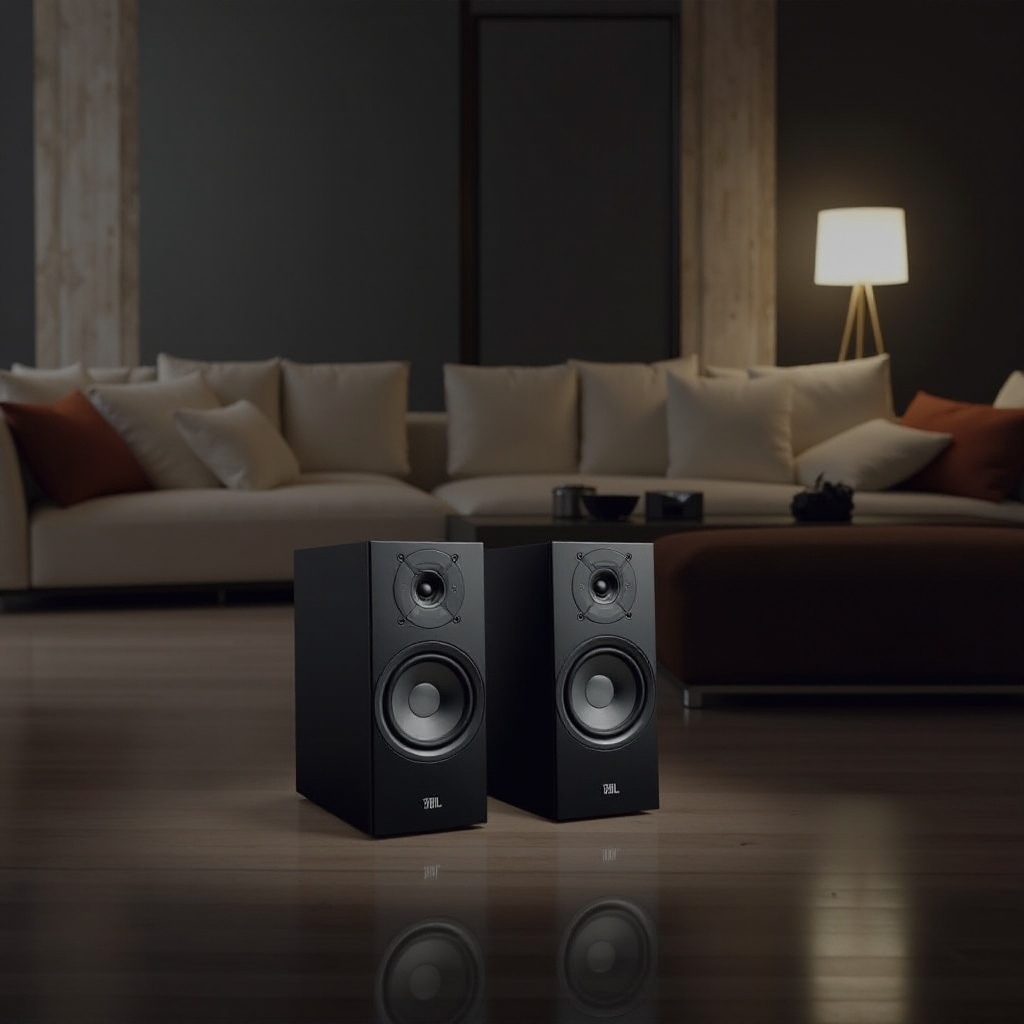
JBL speakers are equipped with features that permit easy synchronization, transforming your listening setup into a dynamic sound system. Before diving into the syncing process, it’s essential to understand what these capabilities entail.
- Overview of JBL Speaker Models with Syncing Features: Many JBL models come with Bluetooth and JBL Connect+ technology, designed to facilitate syncing. These technologies allow you to pair multiple speakers, expanding your sound range and depth.
- Benefits of Syncing JBL Speakers: Syncing can enrich audio output, providing widespread sound coverage ideal for diverse occasions. It enhances the audio clarity and makes your music more encompassing.
With an understanding of JBL syncing capabilities, let’s explore preparatory steps that ensure successful syncing.
Getting Ready to Sync Your JBL Speakers
Proper preparation is crucial for syncing JBL speakers without issue. Ensuring compatibility and preparedness sets the stage for successful synchronization.
- Essential Tools and Requirements for JBL Speaker Sync: Confirm each JBL device is charged and powered on. Familiarize yourself with both the Bluetooth and JBL Connect+ functionalities to ease the syncing process.
- Checking Compatibility: Can Your JBL Speakers Be Synced? It’s vital to confirm compatibility among your JBL speakers, especially their ability to support syncing features.
Once your speakers are prepared, we can proceed to the actual process of syncing.
Step-by-Step Guide to Syncing JBL Speakers
The syncing process can be achieved through direct Bluetooth connections or the JBL Connect+ app. Each method provides unique advantages based on your preferences and setup.
- Syncing Using Bluetooth Method
- Activate Bluetooth on your primary JBL speaker.
- Enable Bluetooth on the secondary JBL device and place it within range.
-
Access your device’s Bluetooth settings to pair the primary and secondary speakers.
-
Syncing Using JBL Connect+ App
- Download and install the JBL Connect+ app.
- Follow on-screen instructions to link your speakers through the app.
-
Adjust sound settings within the app for a coherent audio experience.
-
Troubleshooting Common Syncing Issues
- Ensure all devices have the latest firmware updates.
- Reduce interference by adjusting speaker positions.
- Restart devices to refresh connections if problems persist.
Following these steps should simplify the sync process. After successfully syncing, let’s focus on optimizing your speaker setup.
Advanced Tips for Optimizing Your JBL Speaker Setup
Post-syncing, refining your speaker arrangement can maximize sound quality. Consider these advanced strategies to unlock the full potential of your JBL speakers.
- Optimal Speaker Placement for Best Audio Experience: Position speakers at ear level, avoiding obstructions for clear sound dissemination. Experiment with placements to discover your preferred sound distribution.
- Customizing Sound Settings for Synced JBL Speakers: Utilize the JBL Connect+ app to fine-tune audio settings. Adjust bass and treble to complement your environment and personal preferences.
Optimizing speaker placement and settings ensures the finest auditory experience. Let’s conclude with a summary of what we’ve covered.
Conclusion
Syncing JBL speakers unveils a new dimension of sound experience, adapting ordinary setups into extraordinary audio environments. With the outlined steps and tips, you can achieve seamless syncing and optimized sound performance swiftly. Enjoy the enhanced sound that synced JBL speakers bring to your space!
Frequently Asked Questions
Can all JBL speakers be synced together?
Not all JBL speakers support syncing. Ensure your models are compatible by checking for Bluetooth and JBL Connect+ features.
What is the maximum number of JBL speakers I can sync?
With JBL Connect+, you can sync up to 100 speakers, but consider practical constraints like space and Bluetooth range.
Why won’t my JBL speakers stay connected?
Disconnections can occur due to interference, outdated firmware, or speaker placement. Updating devices and maintaining proximity can help.