
Introduction
Choosing the right keyboard switch can significantly enhance your typing or gaming experience. Among the various types, clicky switches are revered for their tactile feedback and satisfying audible clicks. This comprehensive guide delves into the top clicky keyboard switches available in 2024, equipping you with the knowledge needed to make an informed purchase tailored to your specific requirements.
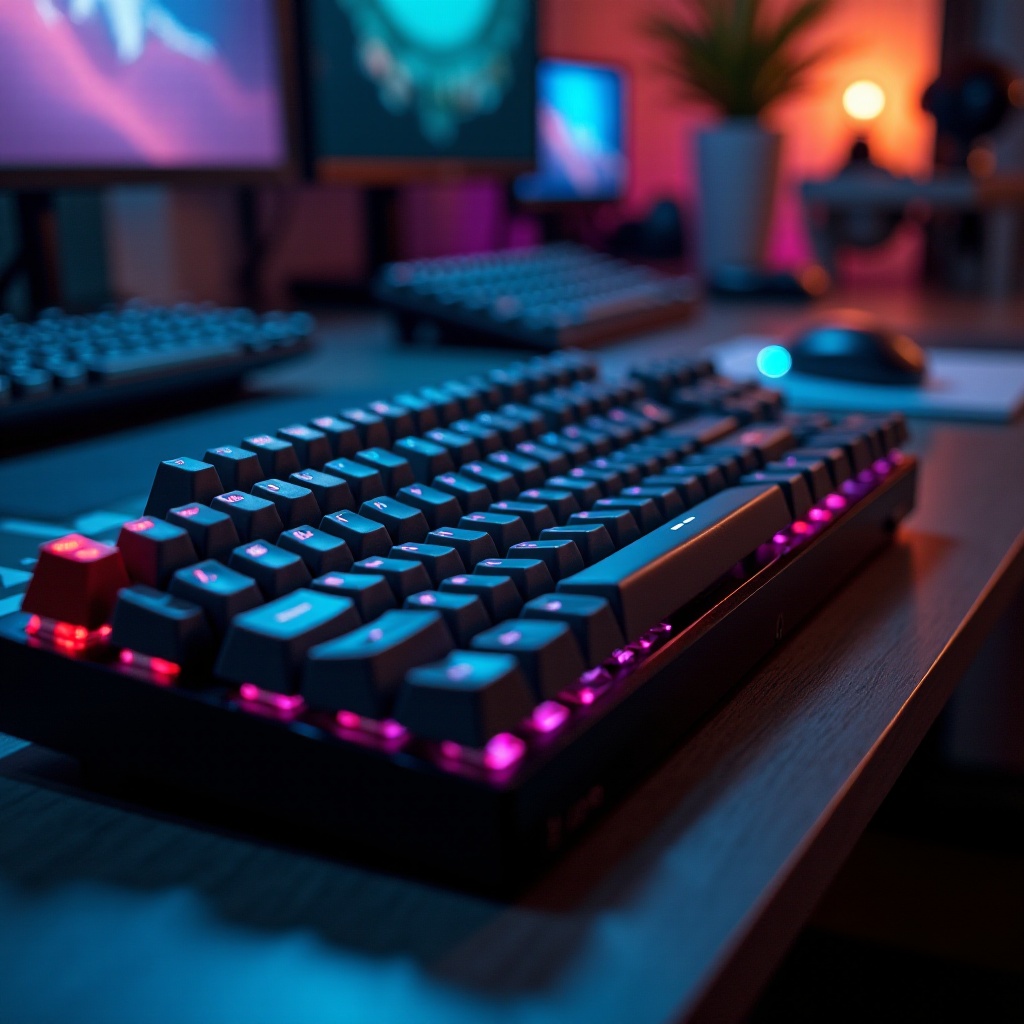
Understanding Clicky Keyboard Switches
Clicky switches possess unique features that set them apart from other types like tactile and linear switches. Their audible click offers feedback that assures typists of each keystroke, heightening the overall experience and satisfaction.
What Defines a Clicky Switch?
A clicky switch is defined by its mechanical design, producing a distinct audible click with each key press. This design provides both tactile and auditory feedback, appealing to those who relish a sensory typing experience.
Clicky vs. Other Switch Types
Compared to tactile switches, which offer feedback without sound, and linear switches lacking tactile sensation, clicky switches succeed in delivering both tactile and auditory signals. This dual feature makes them ideal, despite their higher noise level, for users who prioritize feedback.
Having established these foundational aspects, we now move forward to identify the top clicky keyboard switches of 2024 based on these attributes.
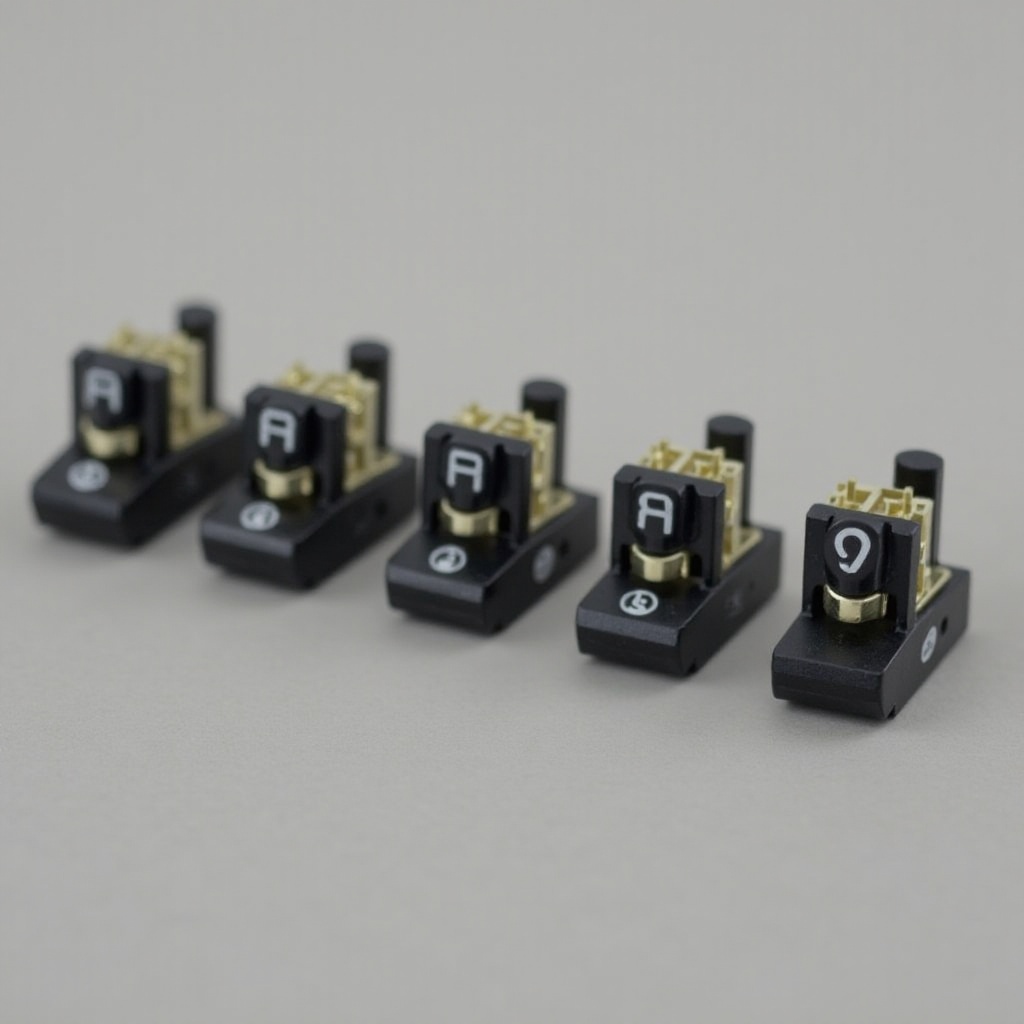
Top Clicky Keyboard Switches for 2024
Finding the best clicky switches requires looking at performance and reliability. We explore popular options that have earned a reputation for excellence.
Cherry MX Blue: The Classic Choice
Cherry MX Blue switches are celebrated for their consistent click sound paired with a tactile bump. A perennial favorite among typists, they continue to offer a reliable and enjoyable typing experience year after year.
Kailh Box White: Emerging Favorite
Kailh Box White switches are gaining acclaim for their durability under intense usage and their satisfying click. Their design reduces key wobble, ensuring steady performance, a feature appreciated by gamers who require precision.
Razer Green: The Gamers’ Pick
The Razer Green switches, crafted with gamers in mind, provide a pronounced tactile bump mid-actuation, accompanied by a distinct click. The interplay of these features results in quick keypress satisfaction essential for gaming accuracy.
With top choices outlined, the next step is understanding how these features align with individual preferences for effective decision-making.
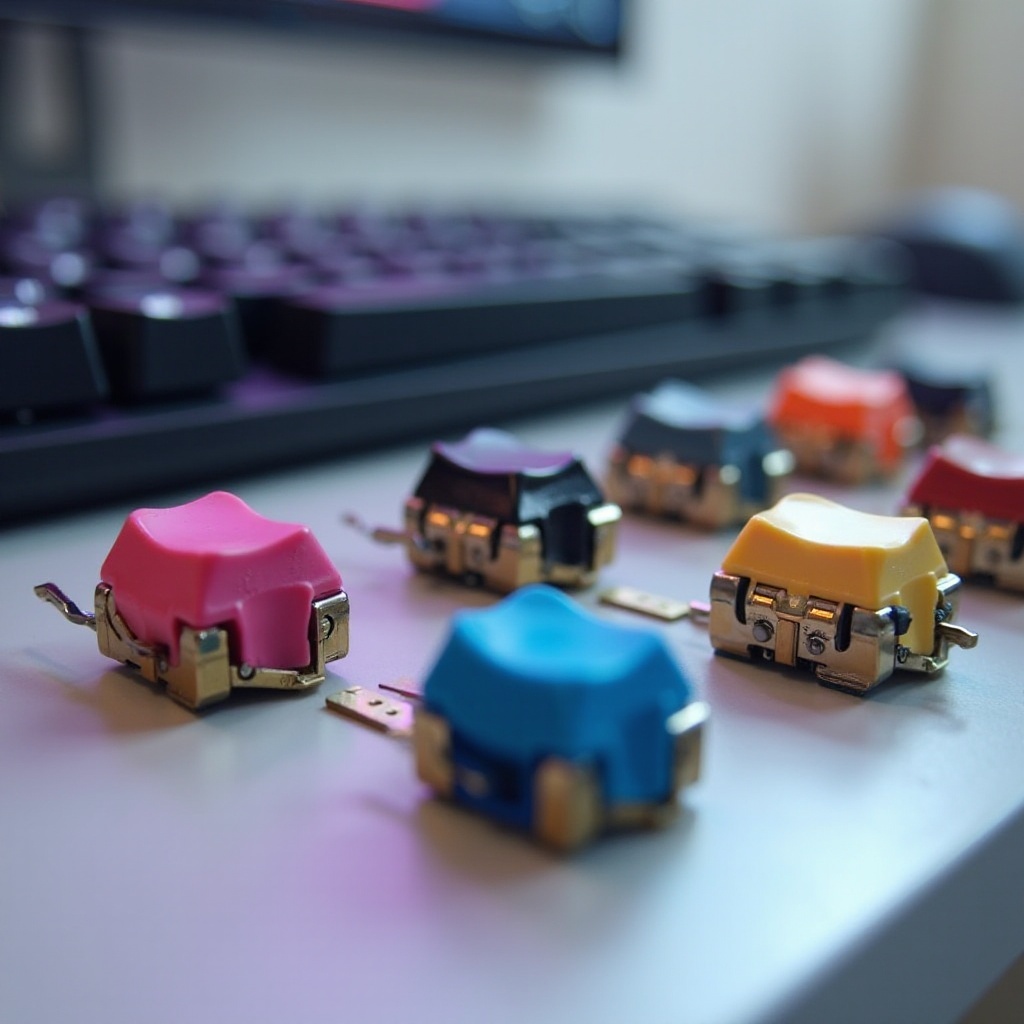
Choosing the Right Clicky Switch for Your Needs
Deciding on the ideal clicky switch involves accounting for various factors that affect your experience.
Considerations: Sound and Feedback
When selecting a switch, it’s essential to consider the sound and feedback level you desire. Some users might find the clicky noise distracting, while others appreciate the confirmation of each keypress.
Typing vs. Gaming Preferences
The distinction between typing and gaming usages influences switch choice. Typists may prioritize comfort and minimal noise, whereas gamers focus on rapid response and resilience under prolonged use.
Budget and Durability
Cost is critical, with many premium switches offering advanced features at higher prices. Additionally, durability affects longevity, making reliability a crucial factor for frequent users.
Armed with this understanding, maintaining these keyboards ensures they continue to perform optimally, leading us to the final consideration of care.
Maintenance Tips for Clicky Keyboards
Clicky keyboards demand regular maintenance to uphold their performance standards. Proper care extends both their lifespan and usability.
Cleaning and Care
Keeping the keyboard clean prevents dust accumulation that could hinder performance. Utilize compressed air to blow away debris and a soft cloth to clean the surface.
Switch Replacement: Costs and Process
Replacing switches when needed can prolong your keyboard’s life. Recognizing worn-out switches, managing replacement costs, and understanding the replacement process ensure your keyboard remains in peak condition.
With thoughtful maintenance practices, prolong the functionality and satisfaction provided by your clicky keyboard switches, culminating in this journey with our concluding insights.
Conclusion
In choosing the clickiest keyboard switches, it’s imperative to align them with personal priorities for sound, tactile feedback, and durability. The options explored offer various benefits tailored to individual needs, ranging from typing enthusiasts to dedicated gamers. Make a wise investment by selecting an option aligned with your preferences.
Frequently Asked Questions
Are clicky switches suitable for office use?
Clicky switches may not be ideal for shared office environments due to their noise level, though they offer excellent tactile feedback for personal use.
How can I reduce the noise from clicky switches?
To soften noise, use O-rings on keycaps to dampen sound upon bottoming out without affecting tactile feel significantly.
Do clicky switches improve typing speed?
While clicky switches provide feedback, they do not inherently increase typing speed, but they improve accuracy and typing confidence.