
Introduction
Owning a 4K TV offers an open door to stunning visuals, but to fully appreciate this technology, picture settings require careful adjustment. The right settings balance brightness, contrast, color, and motion to align with your viewing style and environmental conditions, which can truly elevate the quality of your entertainment experience.
Understanding 4K Technology
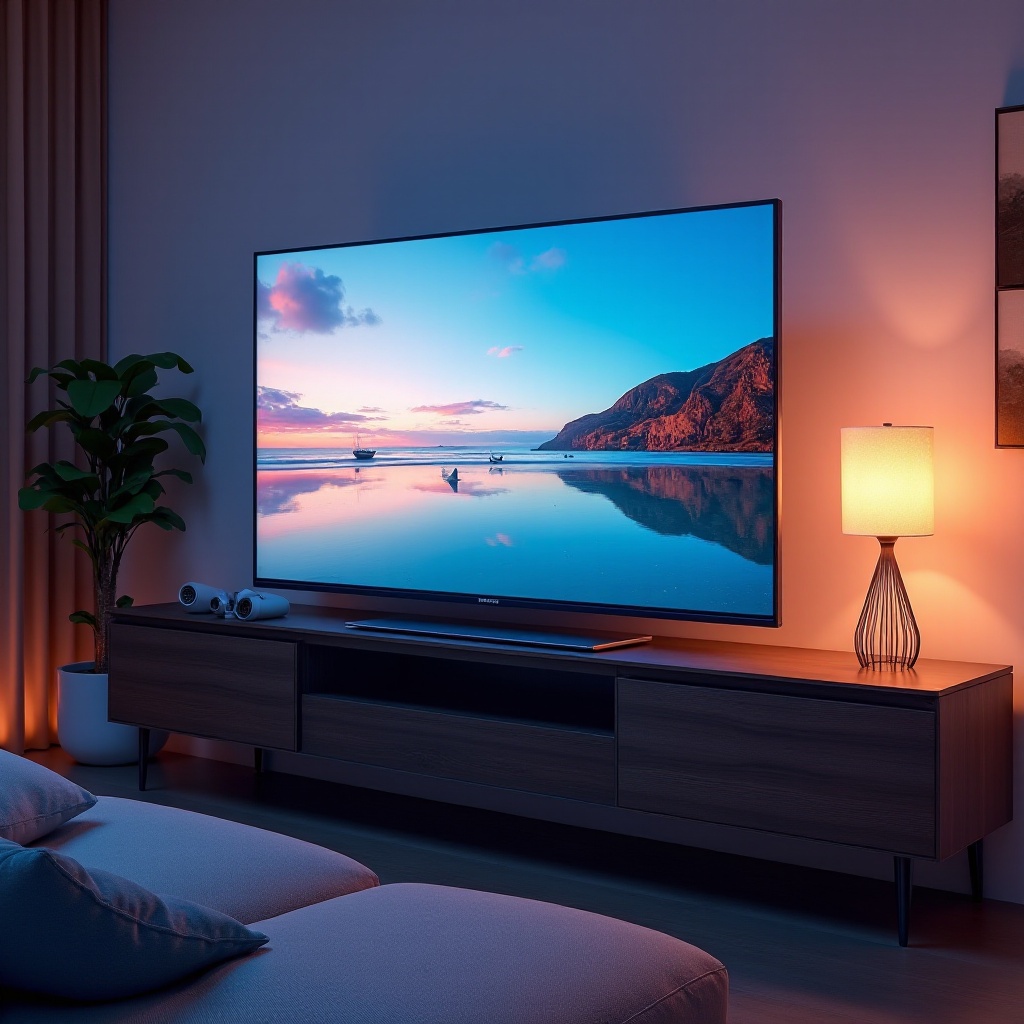
4K technology, or Ultra High Definition (UHD), enhances the viewing experience by providing four times the pixel resolution of 1080p HDTVs. While more pixels mean more detail, proper picture setting adjustments are needed to harness the full capability of 4K TVs.
What Makes 4K Different?
4K resolution offers an astonishing level of detail and clarity, such that viewers can sit closer to the screen without noticing pixelation. This advancement brings filmmakers’ visual intentions to life, capturing intricate details often missed on lower-resolution screens.
Why Picture Settings Matter
Factory default settings typically focus on showroom brightness and contrast, not ideal for home settings. Personalized adjustments are crucial to achieving accurate colors, depth, and smooth motion tailored to your preferences and environmental conditions.
Core Picture Settings for All 4K TVs
Start with essential picture settings to build the foundation for optimal quality. Different settings like brightness and contrast are key players in delivering an engaging viewing experience.
Brightness and Contrast
-
Brightness influences the amount of light emitted from the display, crucial for viewing in various lighting conditions. Dim the brightness for dark rooms to avoid eye strain.
-
Contrast manages the range between the darkest and lightest parts of the image. Aim for a level where the brightest areas retain detail without appearing washed out.
Color and Sharpness
-
Color adjustment ensures the picture looks vibrant yet natural. Adjust using skin tones as a reference to prevent them from appearing overly vivid or faded.
-
Sharpness may seem desirable, but high levels can introduce visual artifacts. A subtle sharpness setting maintains image clarity and natural feel.
Motion Smoothness
Motion settings affect fluidity by reducing blur in fast scenes. However, excessive processing can lead to the ‘soap opera effect,’ making natural footage look overly artificial. Adjust to find a balance that matches your content.
Advanced Picture Settings
With the basics in place, exploring advanced picture settings can further refine picture quality. Features like HDR (High Dynamic Range) play a pivotal role in maximizing 4K performance.
HDR Optimization
HDR technology greatly enhances image quality by delivering a broader range of colors and deeper contrasts. Enable HDR settings and fine-tune color and contrast to make the most of this feature across various content types.
Dolby Vision vs. HDR10
Deciding between Dolby Vision and HDR10 depends on your TV’s capability and personal viewing preferences. Dolby Vision adjusts dynamically for each scene, while HDR10 offers a static setting. Choose based on the quality of content you watch most.
Gaming Mode for 4K TVs
Gamers can benefit from enabling Game Mode to minimize input lag, providing a more responsive gaming experience without sacrificing visual quality. Ensure motion settings aren’t too aggressive, as this can disrupt an immersion.
Tailored Settings for Major TV Brands
Different manufacturers optimize 4K TVs differently. Understanding your specific brand’s features can help you tailor settings for the best performance.
Samsung QLED Picture Perfection
Samsung’s QLED technology emphasizes brightness and vivid colors. Use the brand’s Quantum Dot technology, adjusting according to ambient light for the finest color rendition and balance.
LG OLED Calibration Essentials
Known for unparalleled contrast and perfect blacks, LG’s OLED displays require careful calibration of brightness and contrast to leverage self-emissive pixels for a superior picture.
Sony Triluminos Display Settings
Sony’s Triluminos displays are famed for wide color spectrum and realism. Tweak color settings slightly to enhance natural tones without overemphasizing vibrancy.
Tips for Maintaining Optimal Picture Quality
Once settings are established, periodic reviews ensure sustained picture quality in response to new viewing conditions or content.
Regular Calibration Adjustments
Consider calibrating your TV every few months or after relocation. Tools like calibration discs or apps simplify this task, contributing to long-term satisfaction.
Environmental Considerations
Adjust settings relative to the ambient light of your surroundings. A setup that works perfectly during the day may require tweaks in the evening under artificial light to maintain consistent picture quality.
Conclusion
By mastering 4K TV picture settings, you unlock its full potential. Implementing the right balance of core adjustments and advanced configurations tailored to your TV brand and environment results in a viewing experience flooded with vibrant, sharp, and crisp visuals.
Frequently Asked Questions
How often should I recalibrate my 4K TV settings?
Recalibrate your 4K TV every six months or after moving it to a different location, especially if it involves a change in lighting conditions.
Are there apps that can help with 4K TV calibration?
Yes, many apps and Blu-ray discs provide test patterns and step-by-step instructions to help with 4K TV calibration.
Can room lighting affect 4K TV picture quality?
Yes, room lighting significantly impacts picture quality. Adjust your TV settings to complement the specific lighting conditions in your environment.